
How to See Current Tier and Points
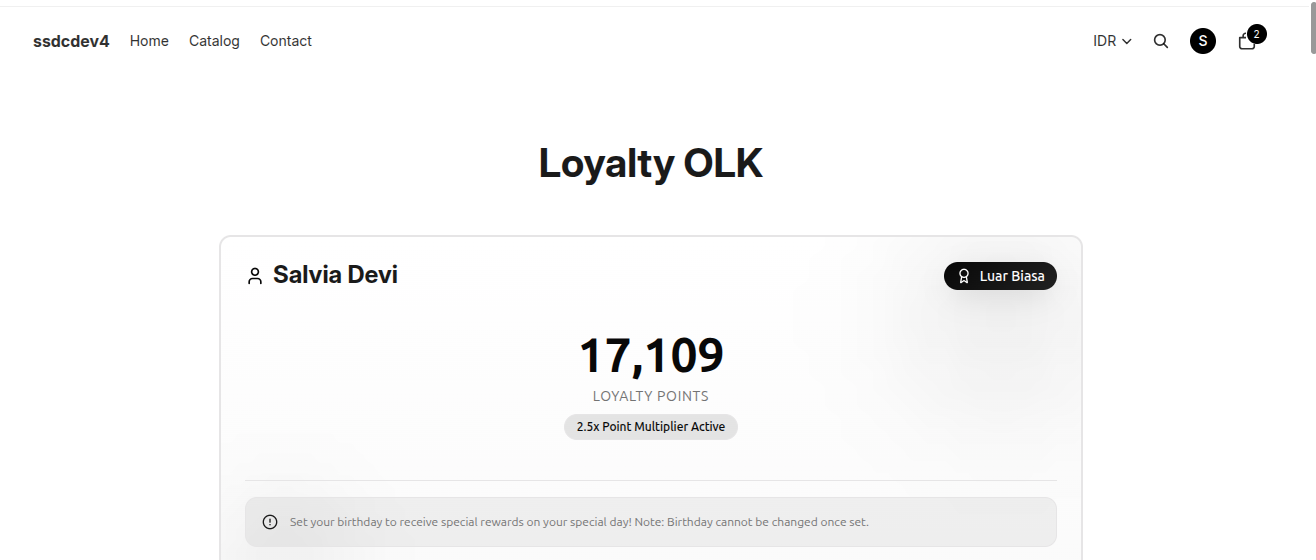
The Point Rewards page allows customers to view their current loyalty tier, available points, tier progression, and points summary.
Steps to View Current Tier and Points
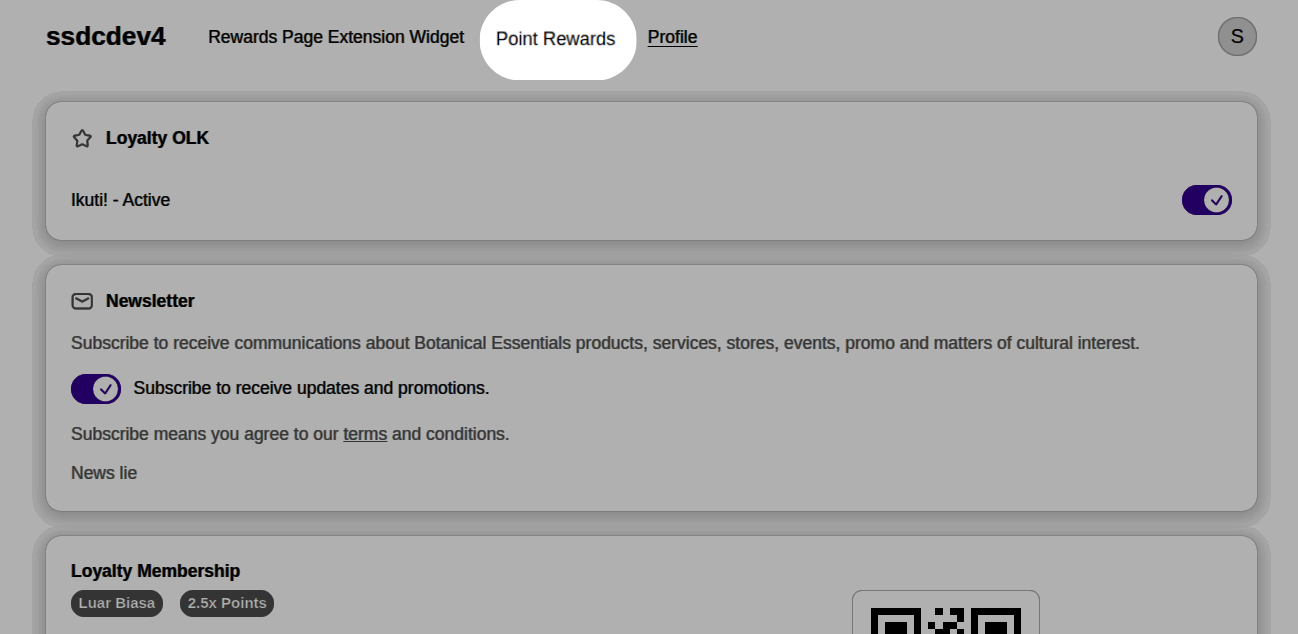
- Click the Account icon in the top-right corner of the website.
- Select Profile.
- On the Profile page, click the Point Rewards tab at the top of the page.
- The system will display the customer's loyalty points information.
- Scroll down to view:
- Membership Tier Progress
- Points Summary
Membership Tier Progress
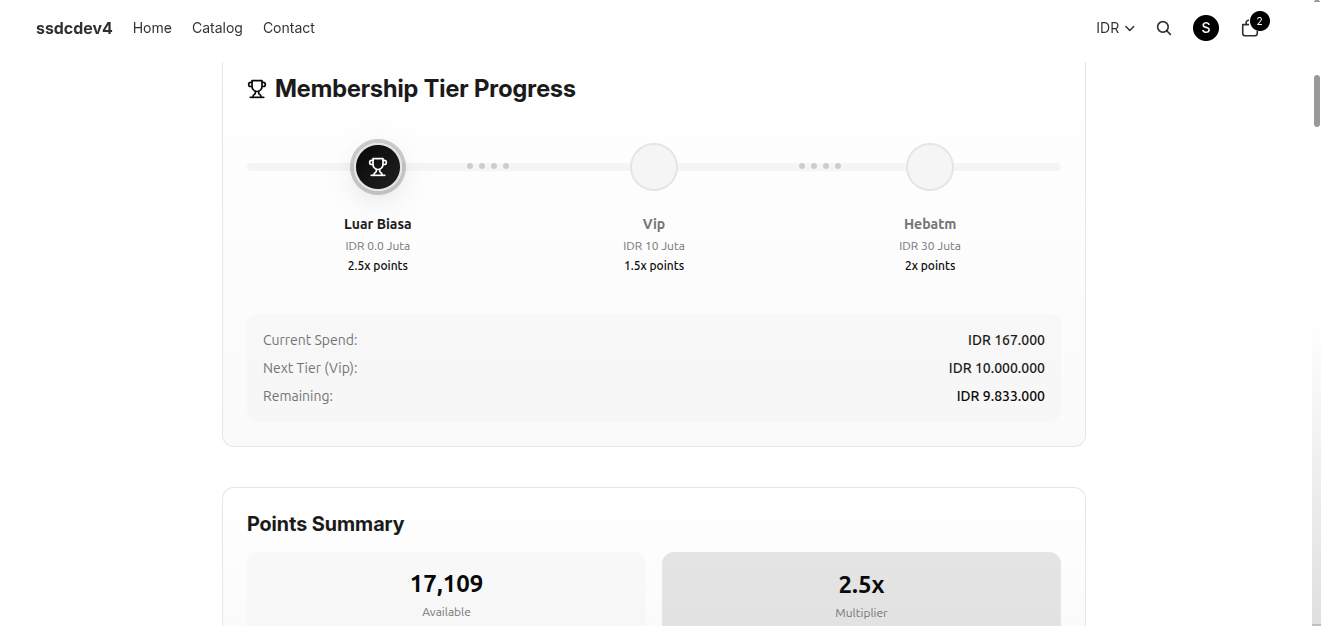
This section shows the customer's progress toward the next loyalty tier.
The following information is displayed:
- Current Tier — The customer's active loyalty tier.
- Tier Multiplier — The points multiplier applied to purchases in the current tier.
- Next Tier — The next tier available to unlock.
- Current Spend — The total eligible spending counted toward tier progression.
- Next Tier Requirement — The minimum spending required to reach the next tier.
- Remaining Spend — The additional spending needed to unlock the next tier.
Points Summary
This section provides an overview of the customer's loyalty points.
Available information includes:
- Available Points — The total points currently available for reward redemption.
- Point Multiplier — The active points multiplier based on the customer's current tier.
- Lifetime Points — The total number of points earned throughout the customer's membership.
- Points Expiring (if applicable) — The number of points scheduled to expire according to the loyalty program rules.
Notes
- Customer tiers are updated automatically once the spending requirement for the next tier has been met.
- Higher tiers provide larger point multipliers, allowing customers to earn points faster.
- Tier and points information is updated automatically based on the customer's loyalty program activity.