
Steps to View Current Tier and Points
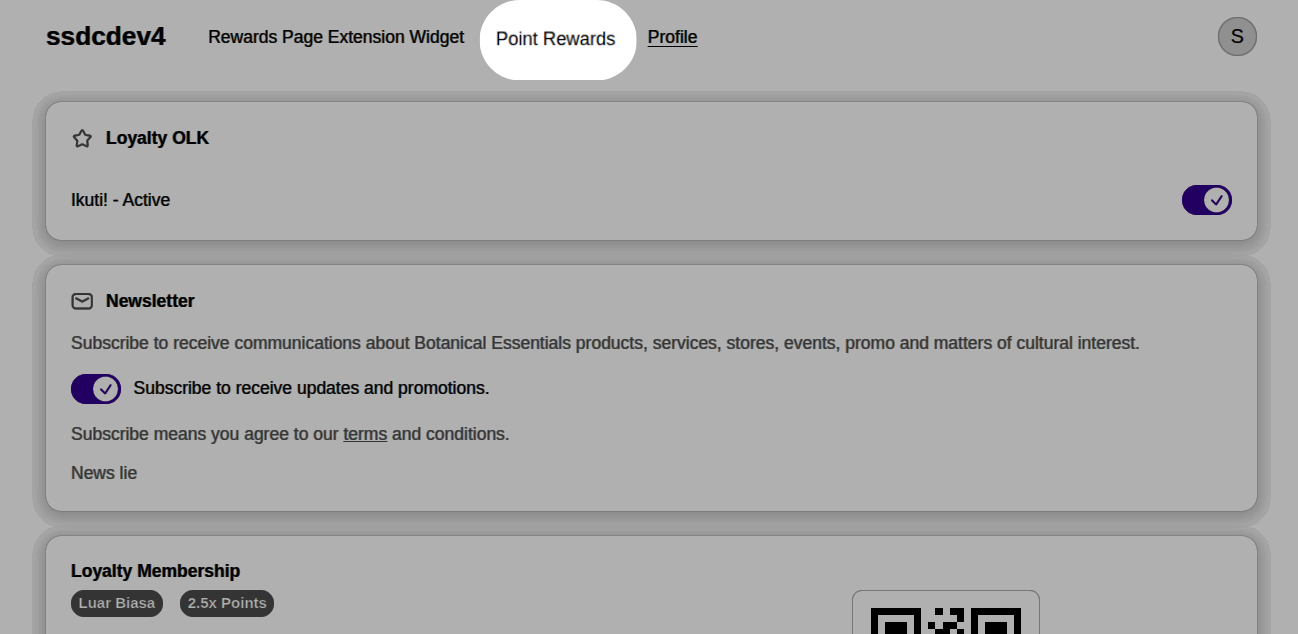
- Click the Account icon in the top-right corner of the website.
- Select Profile.
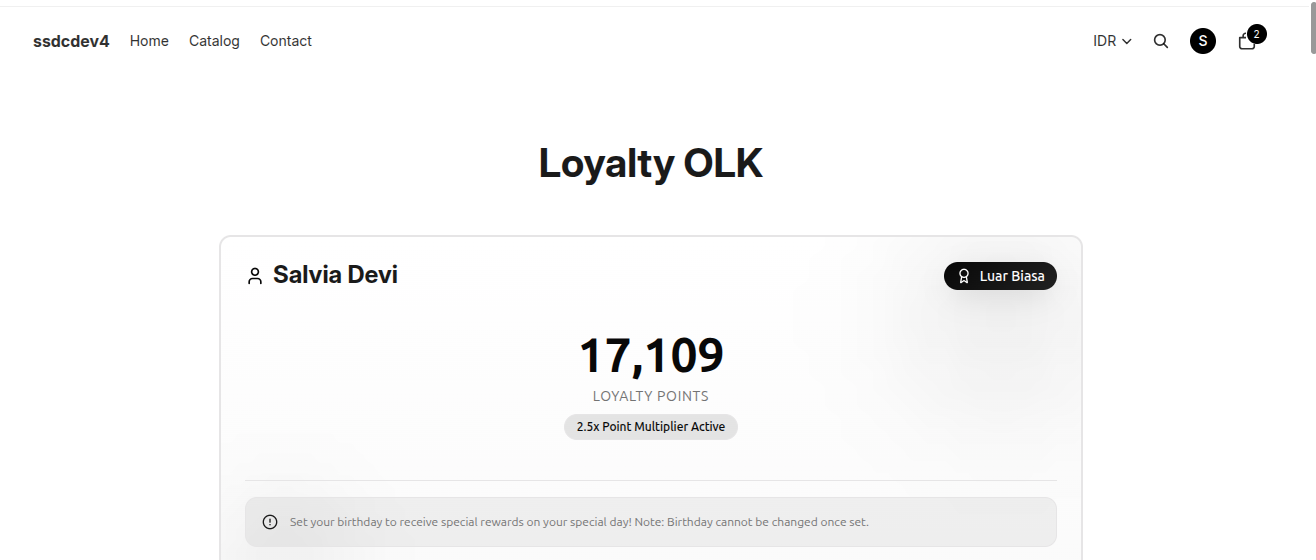
- On the Profile page, click the Point Rewards tab at the top of the page.
- The system will display the customer's loyalty points information.
- Scroll down to view:
- Membership Tier Progress
- Points Summary
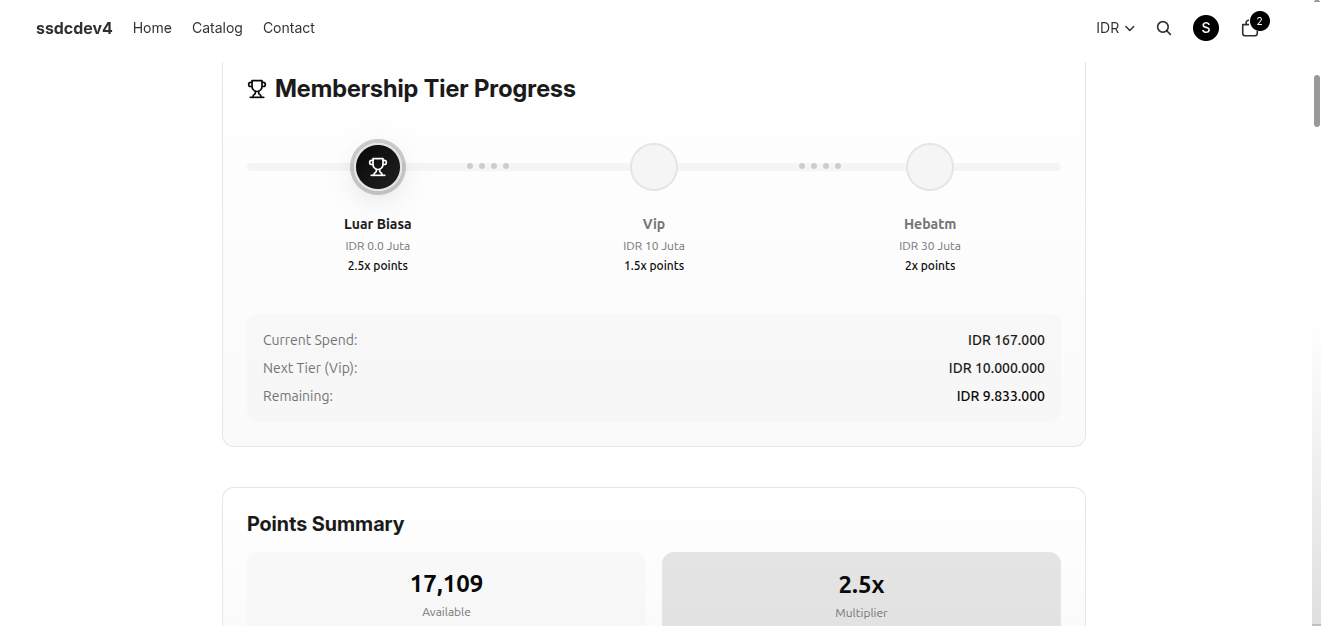
Membership Tier Progress
This section shows the customer's progress toward the next loyalty tier.
The following information is displayed:
- Current Tier — The customer's active loyalty tier.
- Tier Multiplier — The points multiplier applied to purchases in the current tier.
- Next Tier — The next tier available to unlock.
- Current Spend — The total eligible spending counted toward tier progression.
- Next Tier Requirement — The minimum spending required to reach the next tier.
- Remaining Spend — The additional spending needed to unlock the next tier.
Points Summary
This section provides an overview of the customer's loyalty points.
Available information includes:
- Available Points — The total points currently available for reward redemption.
- Point Multiplier — The active points multiplier based on the customer's current tier.
- Lifetime Points — The total number of points earned throughout the customer's membership.
- Points Expiring (if applicable) — The number of points scheduled to expire according to the loyalty program rules.
Notes
- Customer tiers are updated automatically once the spending requirement for the next tier has been met.
- Higher tiers provide larger point multipliers, allowing customers to earn points faster.
- Tier and points information is updated automatically based on the customer's loyalty program activity.