
Notifications
Manage automated email templates and customer notification settings.
Notifications
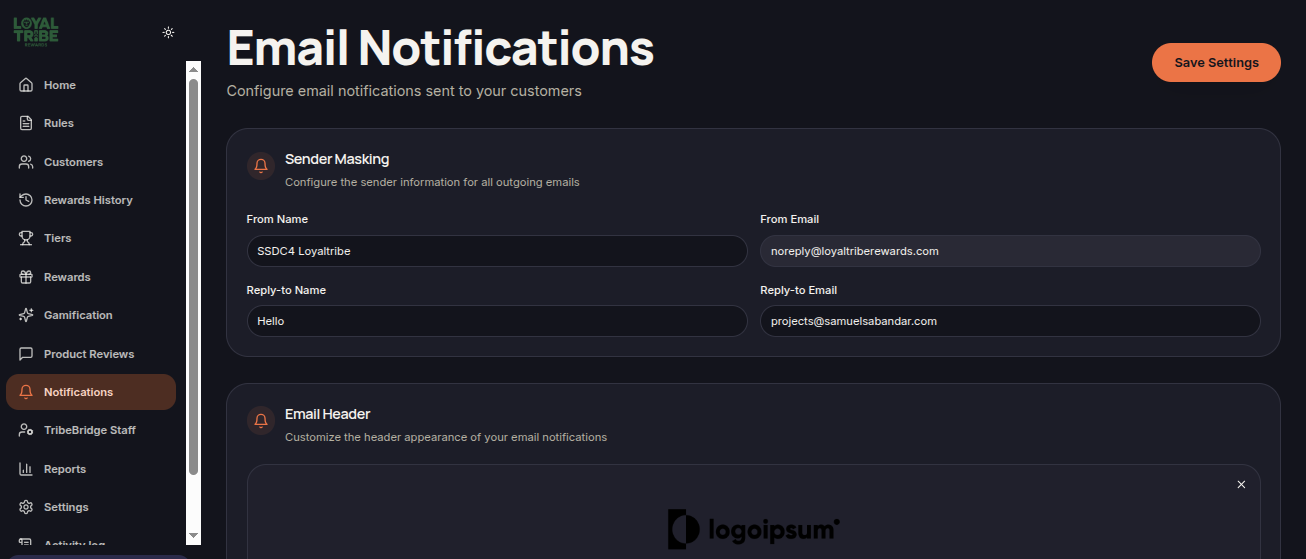
The Notifications menu is used to manage all automated emails sent to customers throughout their loyalty program journey. Merchants can customize sender information, email branding, and message content for various customer activities.
Main Features
- Configure sender information.
- Customize email header and footer.
- Edit automated email templates.
- Manage points and reward notifications.
- Use dynamic shortcodes within email content.
Sender Masking
The Sender Masking section allows merchants to configure the sender information displayed on outgoing emails.
Available settings:
- From Name
- From Email
- Reply-to Name
- Reply-to Email
Email Header

The Email Header section is used to customize the top area of email notifications.
Merchants can:
- Upload a header logo.
- Use an image URL.
- Customize email branding.
Email Footer
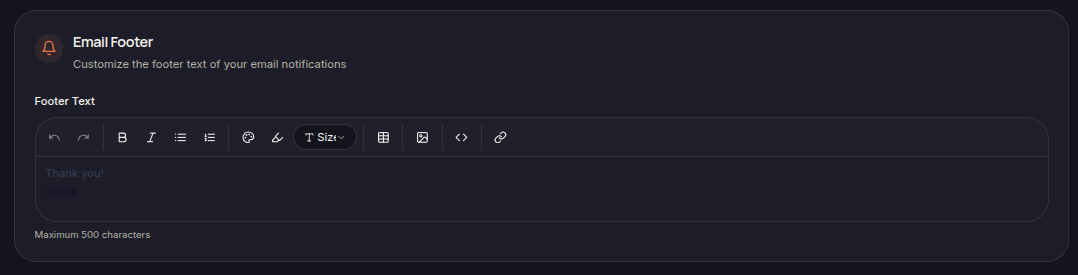
The Email Footer section controls the text displayed at the bottom of emails.
Common uses include:
- Closing messages.
- Contact information.
- Company information.
- Additional links.
Email Notifications
The system provides multiple email templates that can be customized to match business requirements.
Notification Types
Welcome Email

Sent when a customer joins the loyalty program.
Points Earned
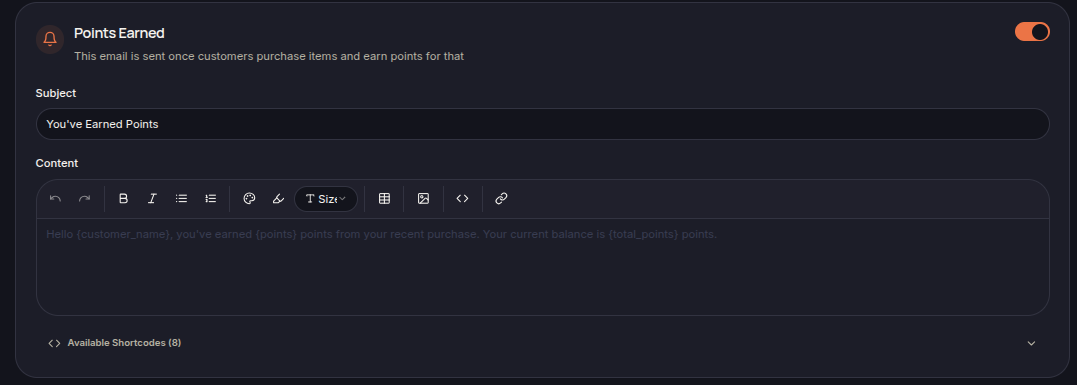
Sent when customers earn points from eligible purchases.
Reward Redeemed

Sent when customers successfully redeem a reward.
Points Expiration Warning
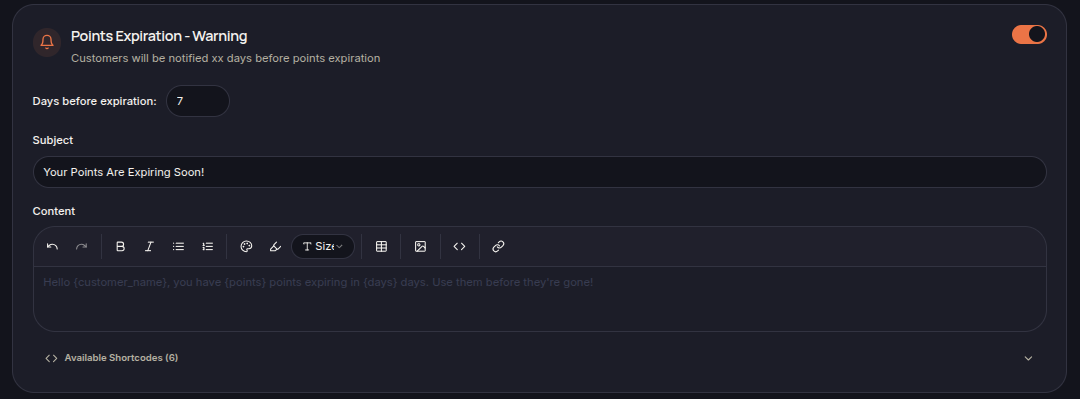
Sent several days before points expire.
Points Expiration Last Chance
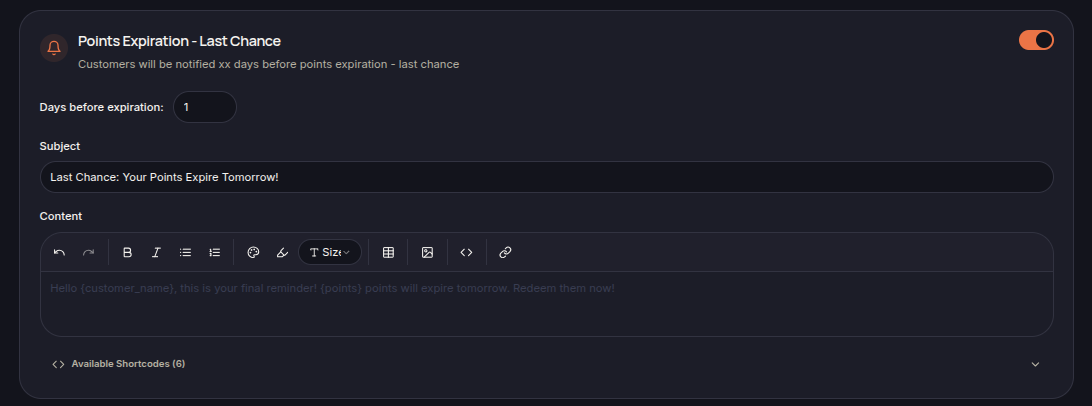
Sent as a final reminder before points expiration.
Reward Expiration Warning
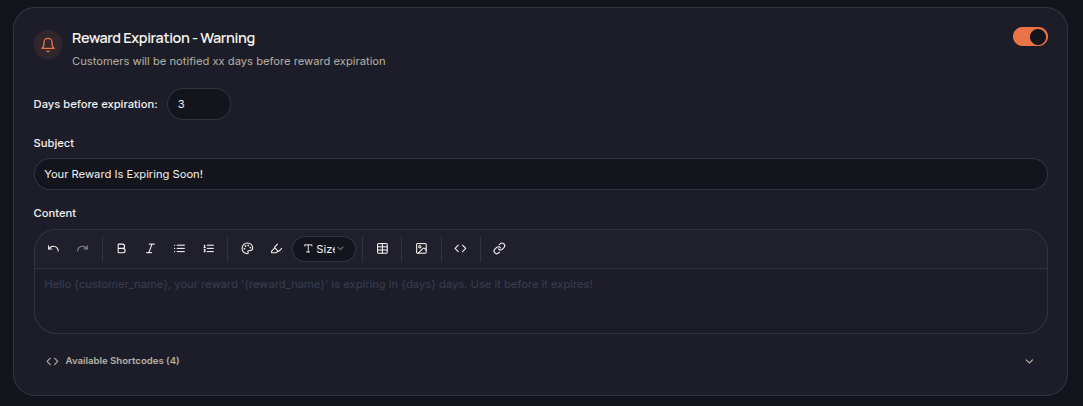
Sent several days before a reward expires.
Reward Expiration Last Chance

Sent as a final reminder before reward expiration.
Celebrate Birthday
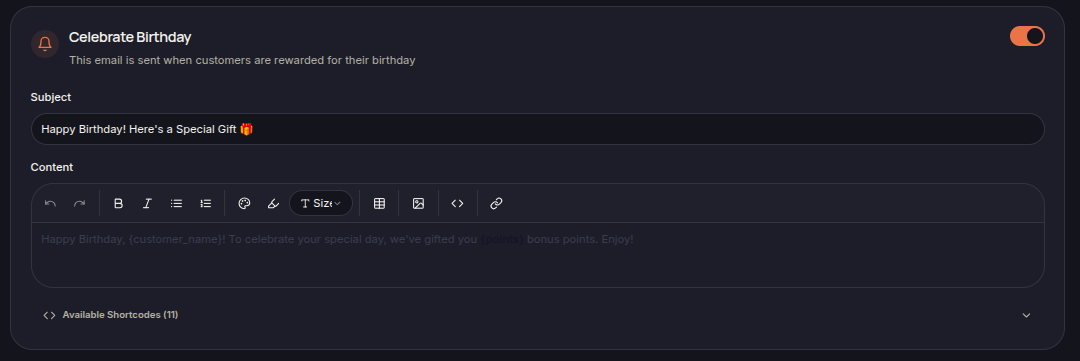
Sent when customers receive birthday rewards.
Celebrate Anniversary
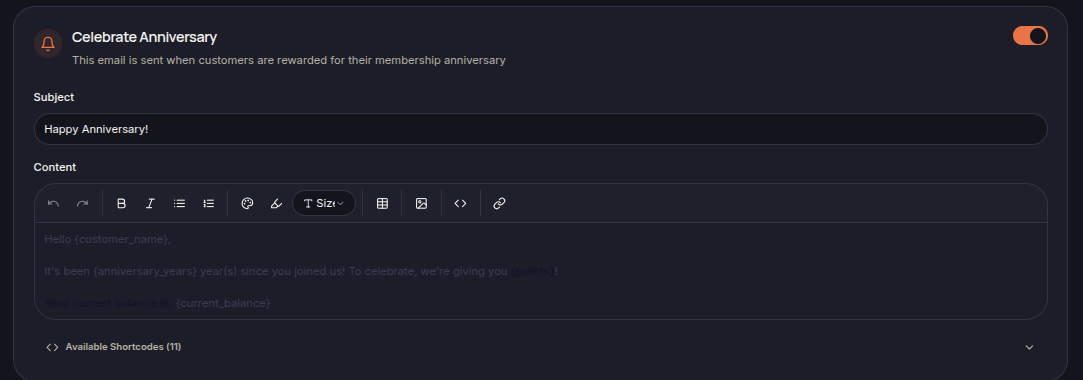
Sent when customers receive membership anniversary rewards.
Referral Success
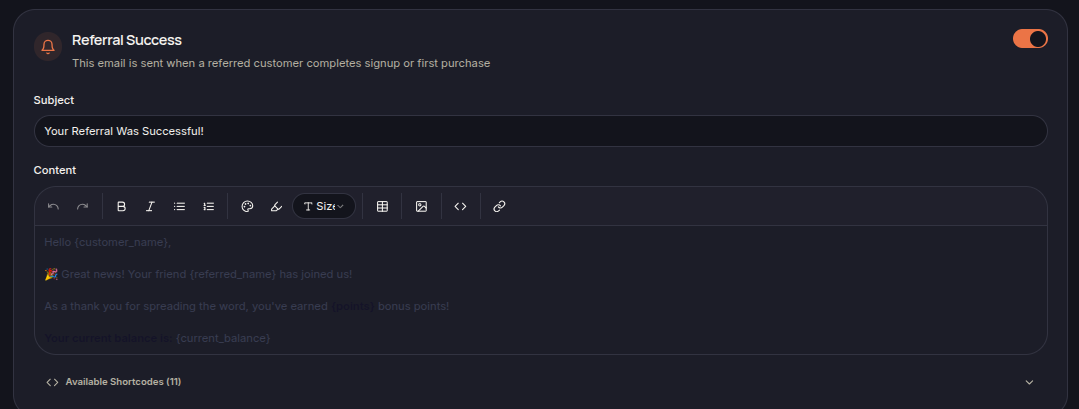
Sent when a referral successfully completes the required action.
Tier Unlocked
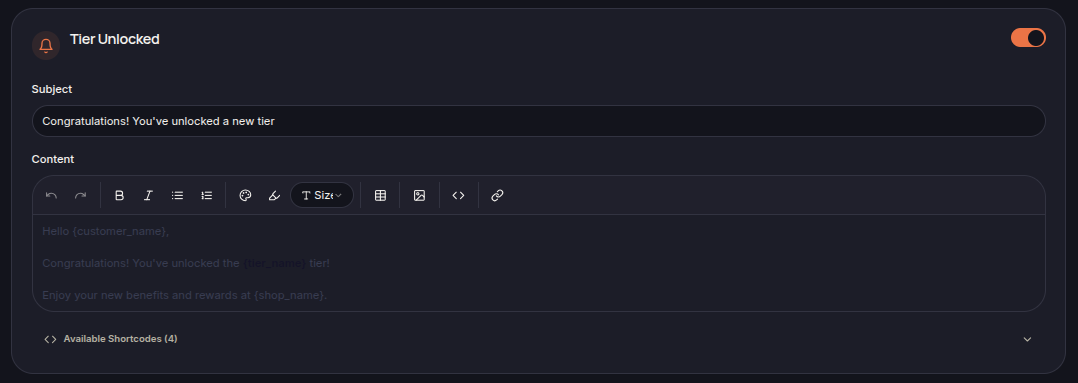
Sent when a customer reaches a new loyalty tier.
Balance Changed
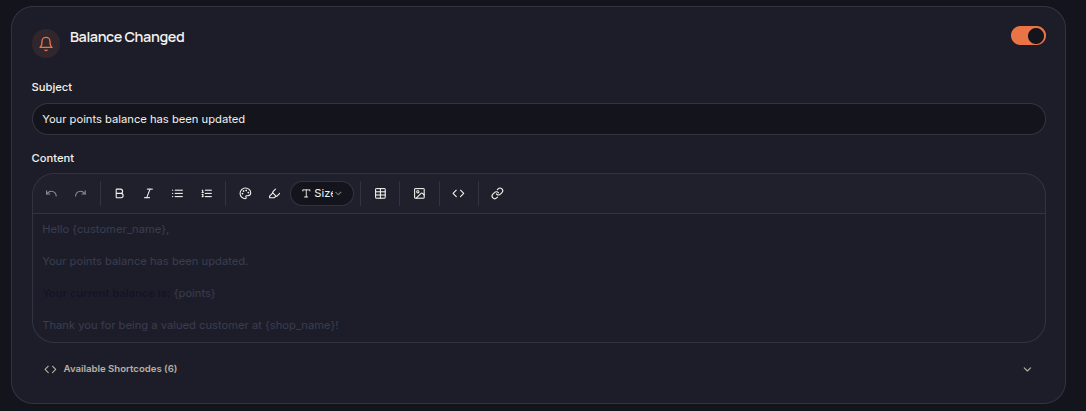
Sent whenever a customer's point balance changes.
Shortcodes
Email templates support dynamic shortcodes that are automatically replaced with customer-specific information.
Examples include:
- {customer_name}
- {shop_name}
- {points}
- {reward_name}
- {tier_name}
- {current_balance}
Available shortcodes may vary depending on the notification type.
Saving Changes
After updating any email template or configuration, click Save Settings to apply the changes.