
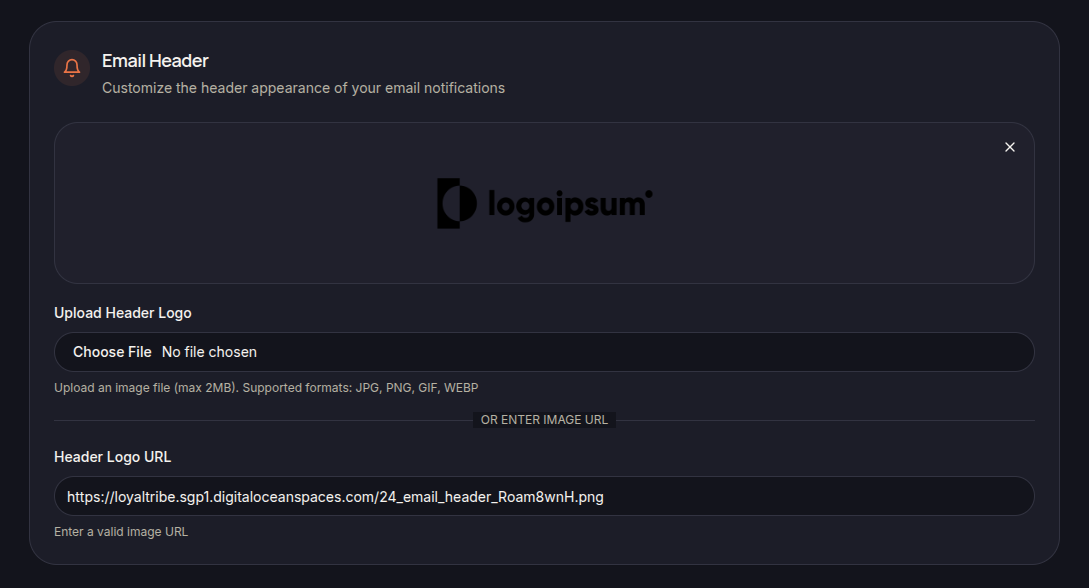
The Email Header section allows merchants to customize the visual header displayed in outgoing email notifications.
Header Logo
Merchants can upload a custom logo that will appear at the top of customer emails.
Supported formats include:
- JPG
- PNG
- GIF
- WEBP
Uploading a Logo
To upload a logo:
- Click Upload Header Logo.
- Select an image file from your device.
- Save the changes.
Using a Logo URL
Alternatively, merchants can provide a direct image URL using the Header Logo URL field.
Header Preview
A preview is displayed to help merchants verify how the email header will appear to customers.
Save Changes
Click Save Settings to apply the updated header configuration.