
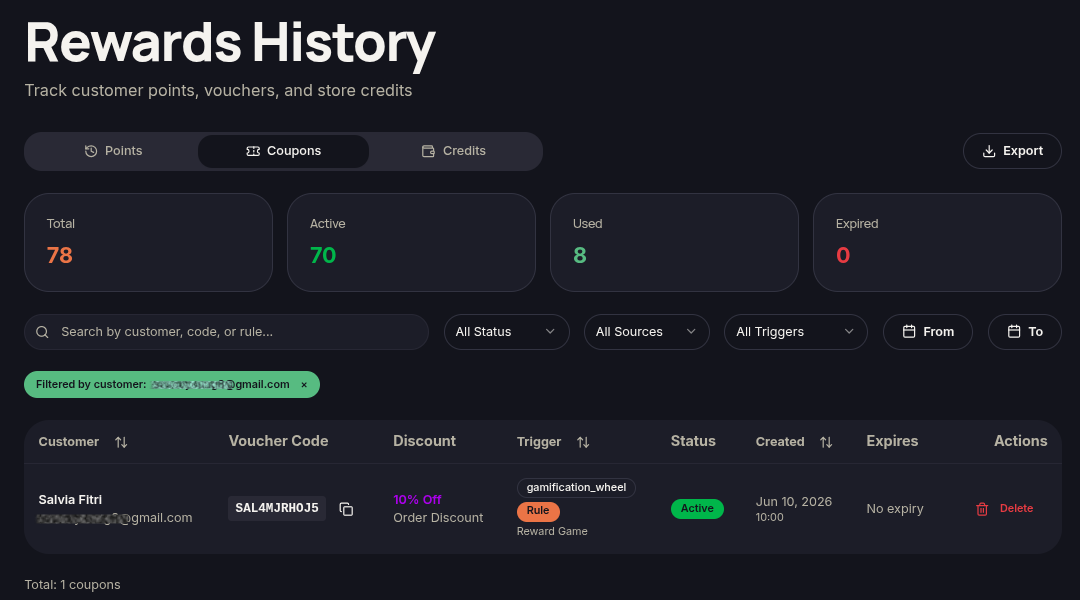
The View Coupons feature displays vouchers associated with a specific customer.
Steps to View Customer Coupons
- Open the Customers menu.
- Locate the customer.
- Click ⋯ (More Options).
- Select View Coupons.
- Review the available voucher list.
Additional Information
- Merchants can monitor voucher status and usage.
- Active and historical vouchers may be displayed.