
Newsletter Text Settings
Customize the newsletter subscription text displayed to customers and encourage email marketing opt-ins.
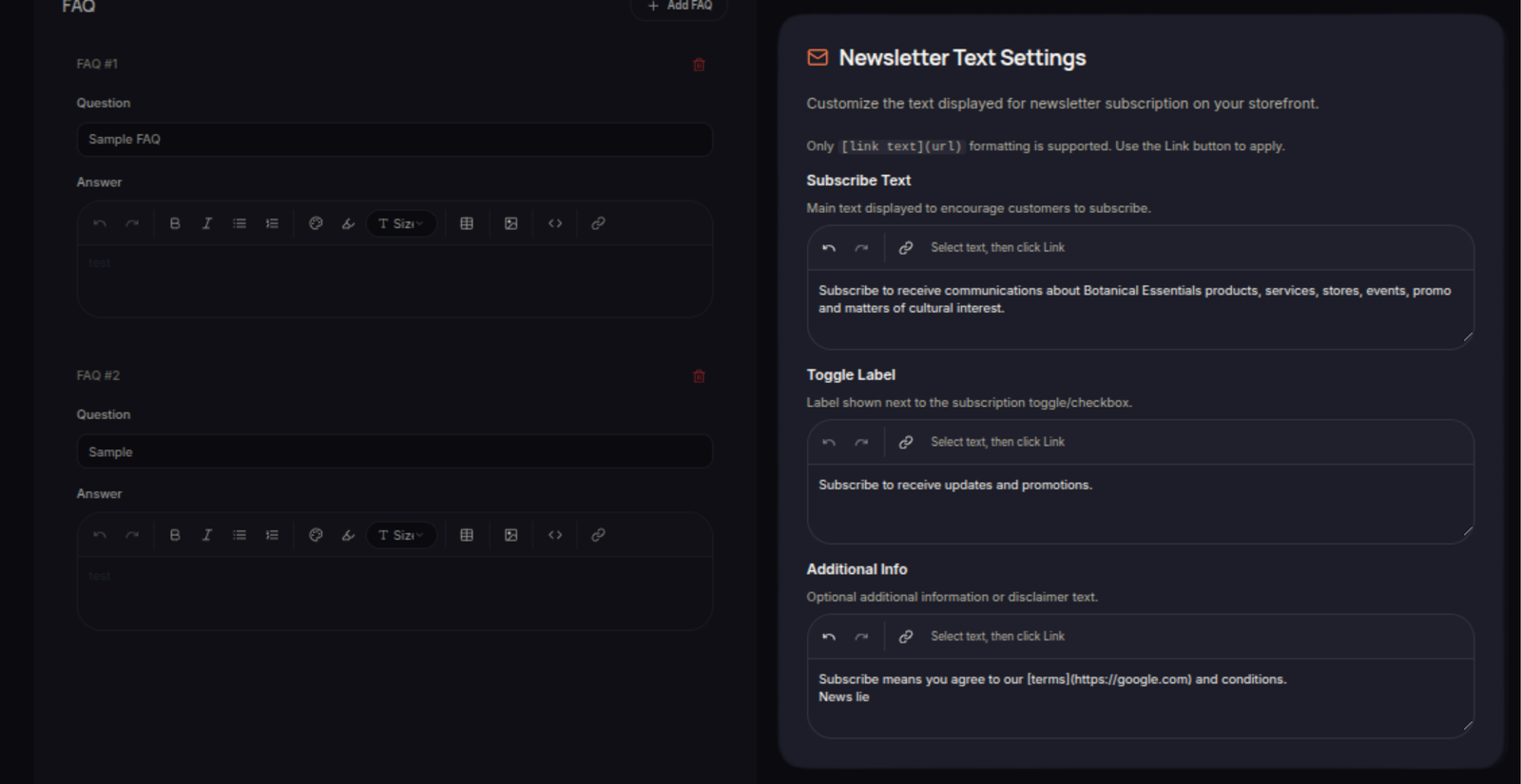
The Newsletter Text Settings section allows merchants to customize the text displayed alongside newsletter subscription options in the loyalty program.
These settings help communicate the benefits of subscribing and improve customer engagement with email marketing campaigns.
Subscription Text
Merchants can configure the messaging shown to customers when they are asked to subscribe to newsletters or marketing communications.
Customizing this text allows merchants to:
- Explain the benefits of subscribing
- Promote exclusive offers and updates
- Encourage customer participation
Display Information
Newsletter text may be displayed during:
- Loyalty program enrollment
- Customer profile updates
- Newsletter subscription forms
- Other customer engagement touchpoints
Best Practices
When writing newsletter subscription text:
- Keep the message clear and concise.
- Highlight the value customers will receive.
- Mention exclusive promotions, rewards, or updates when applicable.
- Use language that aligns with your brand voice.
Save Changes
After updating the newsletter text, click Save Settings to apply the changes.