
Email Header
Customize the header appearance of customer email notifications.
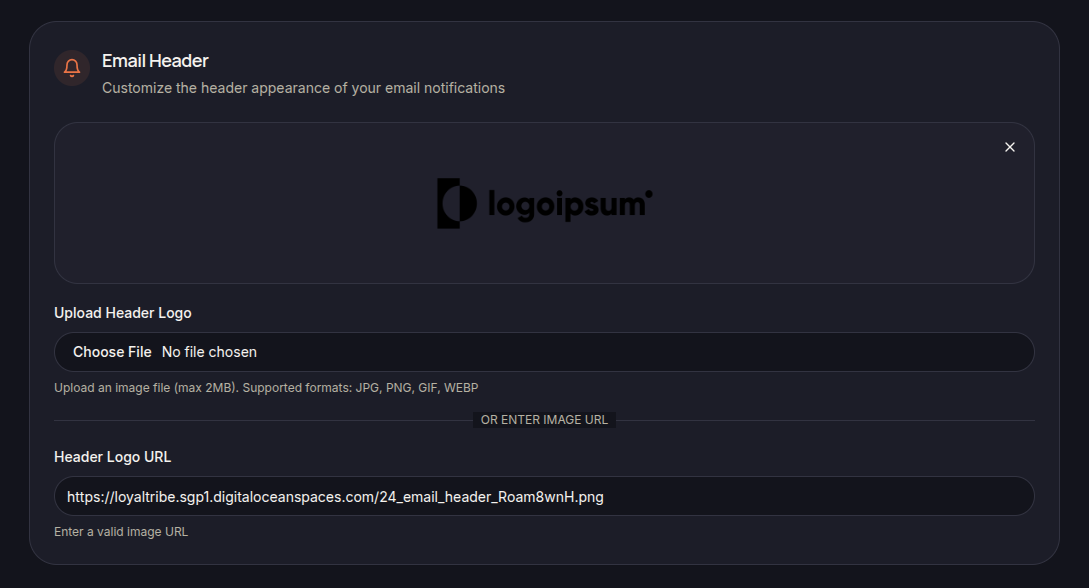
The Email Header section allows merchants to customize the visual header displayed in outgoing email notifications.
Header Logo
Merchants can upload a custom logo that will appear at the top of customer emails.
Supported formats include:
- JPG
- PNG
- GIF
- WEBP
Uploading a Logo
To upload a logo:
- Click Upload Header Logo.
- Select an image file from your device.
- Save the changes.
Using a Logo URL
Alternatively, merchants can provide a direct image URL using the Header Logo URL field.
Header Preview
A preview is displayed to help merchants verify how the email header will appear to customers.
Save Changes
Click Save Settings to apply the updated header configuration.