
Reward Redeemed Email
Configure the notification email sent when customers successfully redeem rewards using their loyalty points.
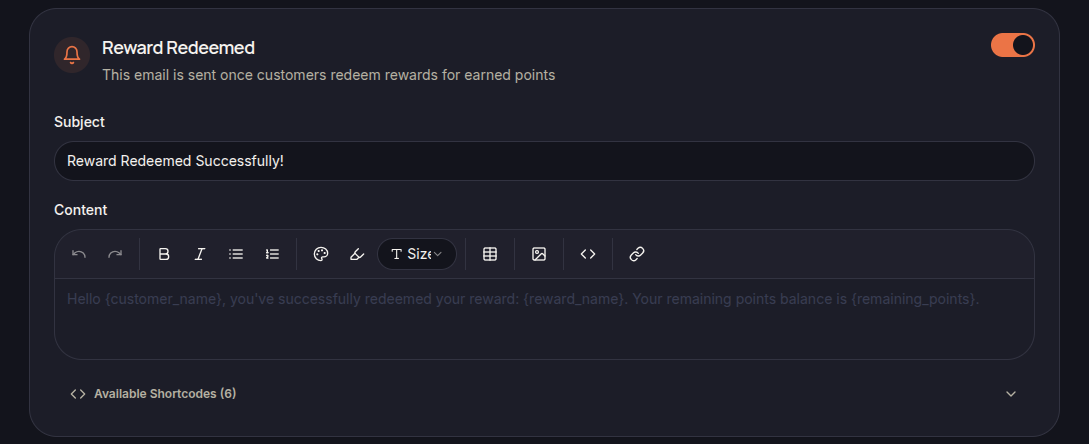
The Reward Redeemed Email is automatically sent after a customer successfully redeems a reward.
This notification confirms the redemption and provides information about the redeemed reward.
Email Content
The template includes:
- Subject
- Email Content
- Available Shortcodes
Merchants can modify the email content to provide additional information or instructions.
Using Shortcodes
Shortcodes can be used to automatically insert reward information into the email.
Examples include:
- {customer_name}
- {reward_name}
- {remaining_points}
Available shortcodes are displayed in the editor.
Redemption Confirmation
This email helps customers:
- Confirm reward redemption
- Review redeemed rewards
- Check remaining point balances
Save Changes
Click Save Settings to apply the updated email template.