
Edit and Delete Rewards
Manage existing rewards by updating reward configurations or removing rewards that are no longer needed.
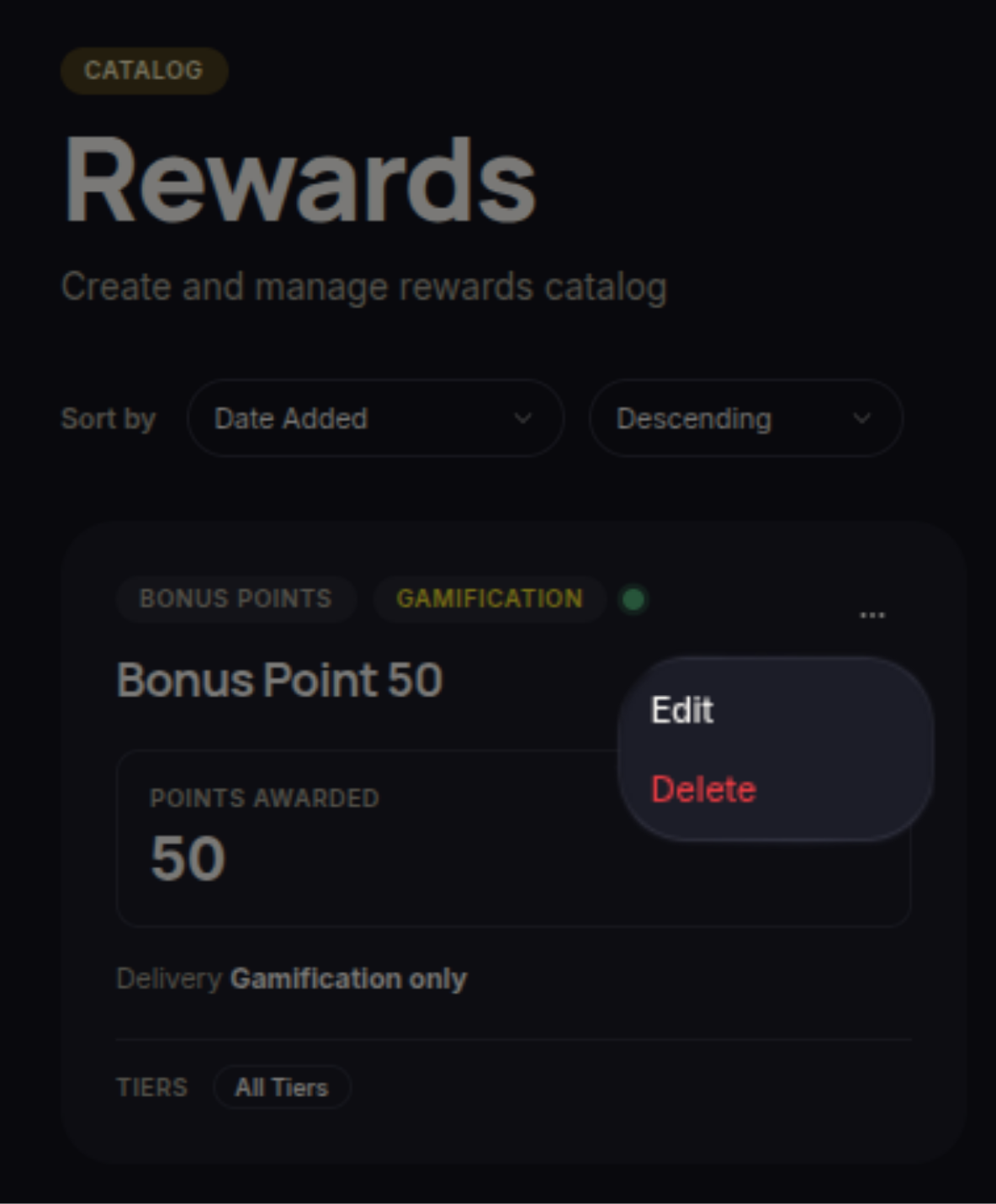
Edit Reward
Merchants can modify existing rewards by selecting Edit from the reward card menu.
When editing a reward, merchants can update information such as:
- Reward name
- Reward description
- Reward type
- Status
- Points cost
- Target tiers
- Target customer segments
- Discount configuration
- Reward validity period
- Usage limits
- Gamification settings
After making the necessary changes, click Save to apply the updates.
Delete Reward
Merchants can remove rewards that are no longer needed by selecting Delete from the reward card menu.
When a reward is deleted:
- The reward is removed from the customer reward catalog.
- Customers can no longer redeem the reward.
- Deleted rewards cannot be automatically restored.
Ensure the reward is no longer required before deleting it.