
Unenroll Customer
Remove a customer from the loyalty program without deleting their store account.
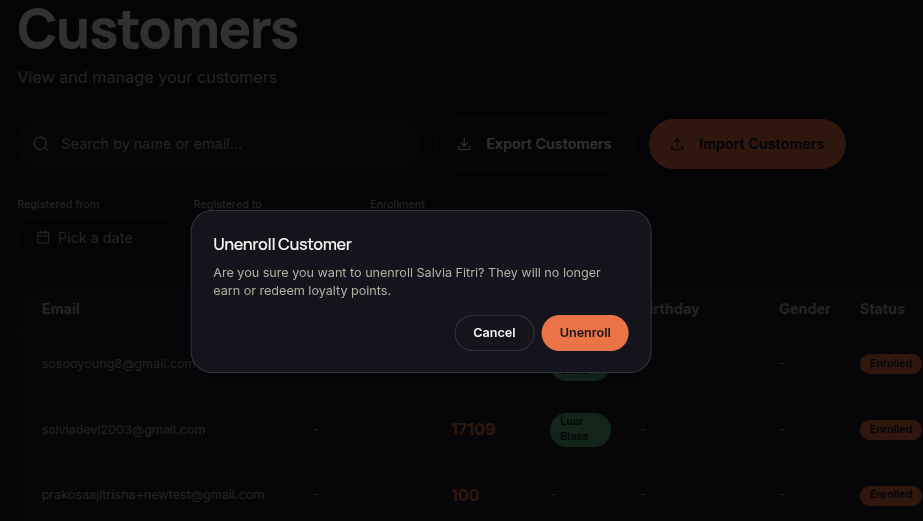
The Unenroll feature removes a customer's participation in the loyalty program.
Steps to Unenroll a Customer
- Open the Customers menu.
- Find the customer.
- Click ⋯ (More Options).
- Select Unenroll.
- Confirm the action.
- The customer will be removed from the loyalty program.
Additional Information
- Customer store records remain intact.
- The customer will no longer receive loyalty benefits.