
Delete Customer
Remove a customer from the loyalty program system.
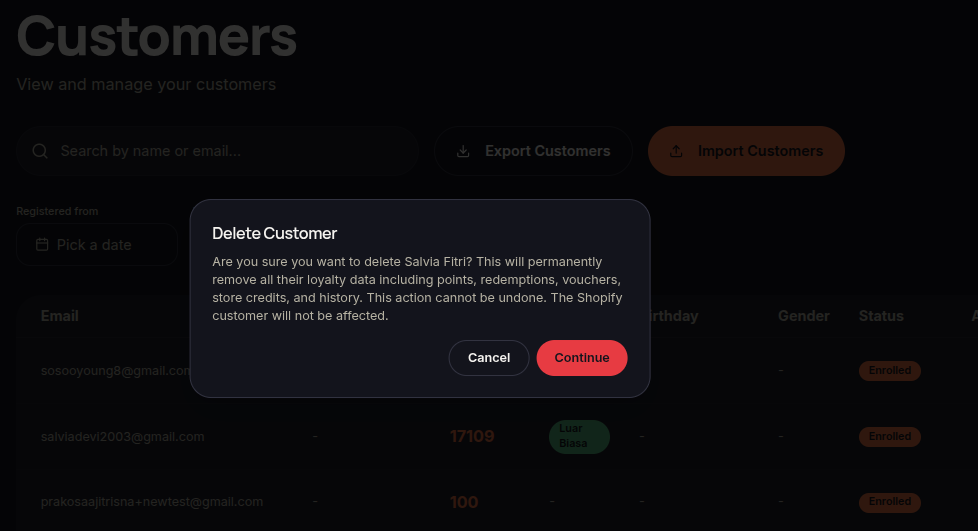
The Delete Customer feature allows merchants to remove a customer from the loyalty system.
Steps to Delete a Customer
- Open the Customers menu.
- Locate the customer you want to remove.
- Click ⋯ (More Options).
- Select Delete Customer.
- Confirm the deletion.
- The system will remove the customer according to platform policies.
Additional Information
- Verify the customer before proceeding with deletion.
- Deleting a customer may affect their loyalty history and records.