
Adjust Tier
Manually assign a customer to a different loyalty tier.
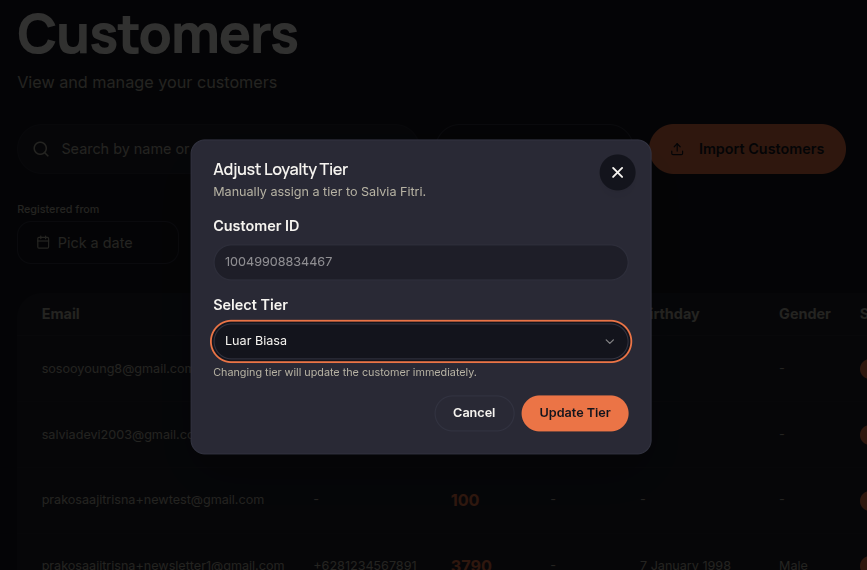
The Adjust Tier feature allows merchants to manually move customers to a different loyalty tier without waiting for automatic qualification rules.
Steps to Adjust Tier
- Open the Customers menu.
- Find the customer you want to update.
- Click ⋯ (More Options).
- Select Adjust Tier.
- Choose the desired tier.
- Click Update Tier.
Additional Information
- Tier changes take effect immediately.
- Customers will receive benefits associated with their new tier.